First, visit DISA’s cyber exchange.
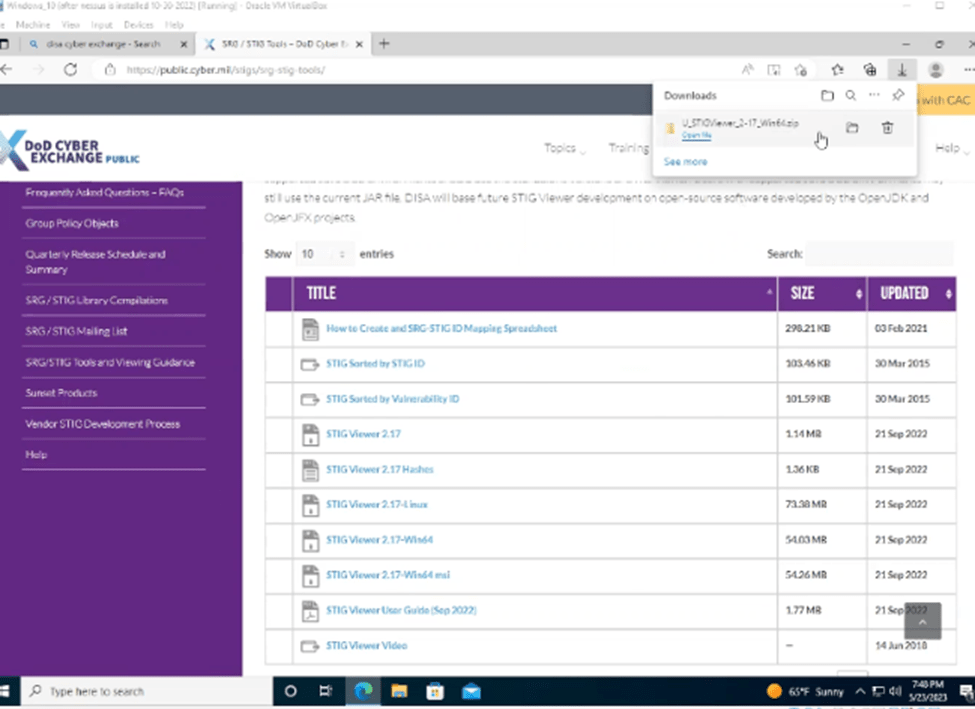
Download the STIG Viewer
(https://public.cyber.mil/stigs/scap/)
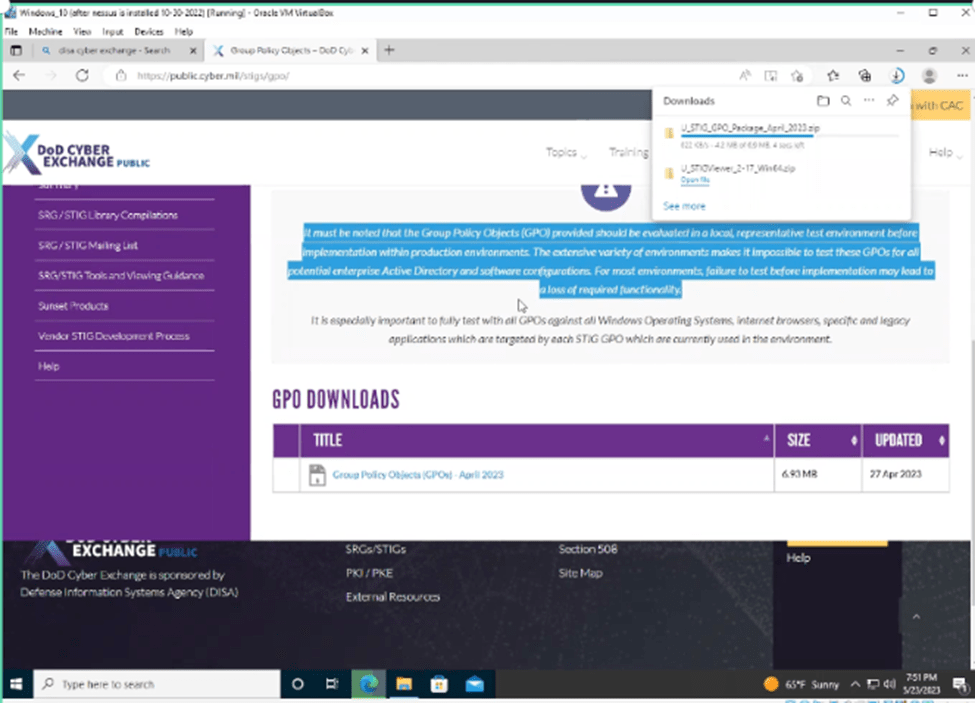
Download the GPOs
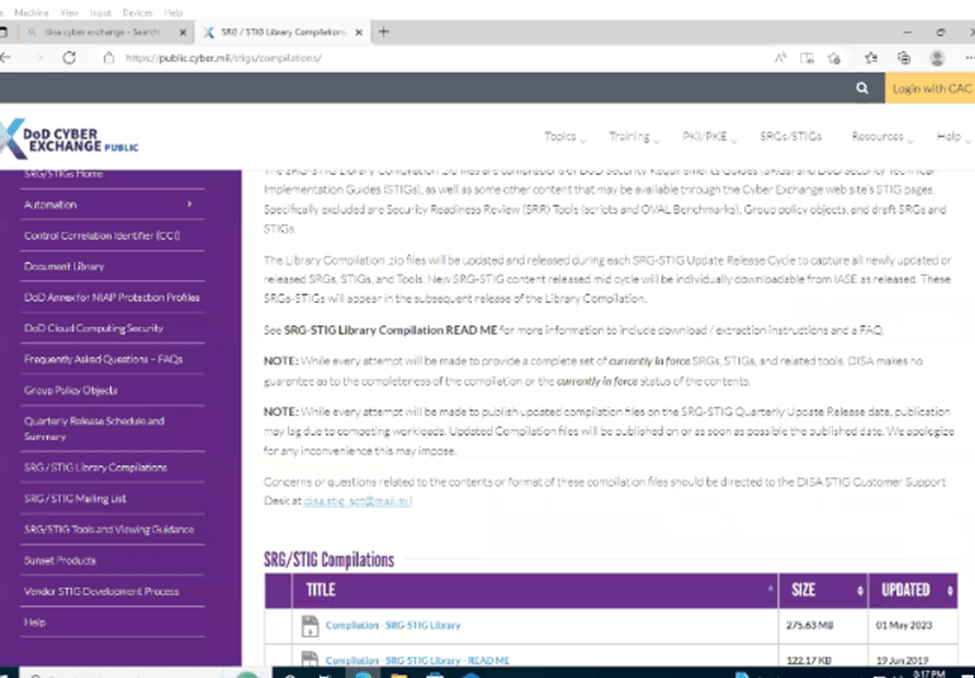
Extra (Download the STIG Compilation if you want to STIG additional software)
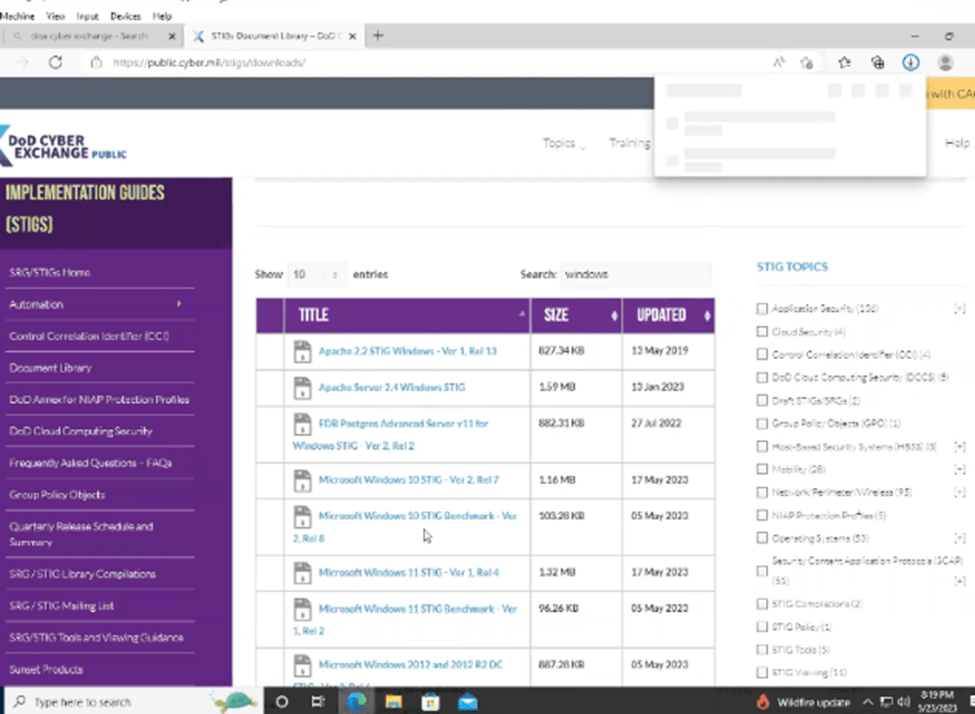
Download the Windows 10 SCAP Benchmarks

Additional (Download Windows 10 Documentation)
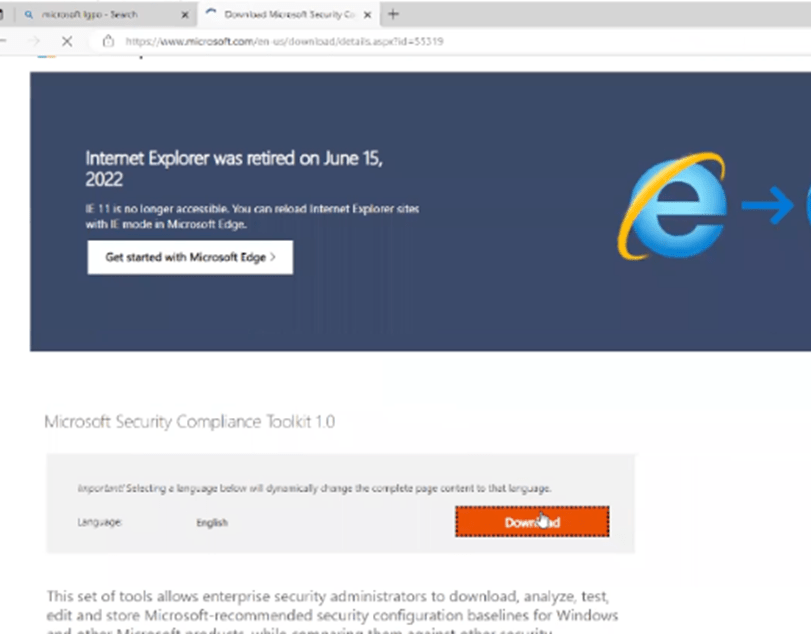
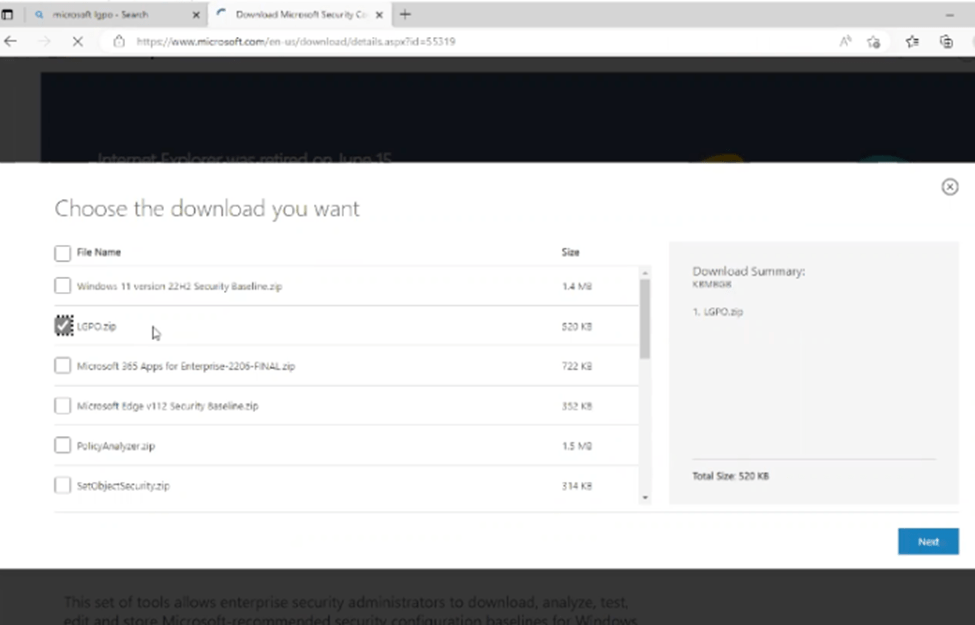
Download the Microsoft LGPO Tool
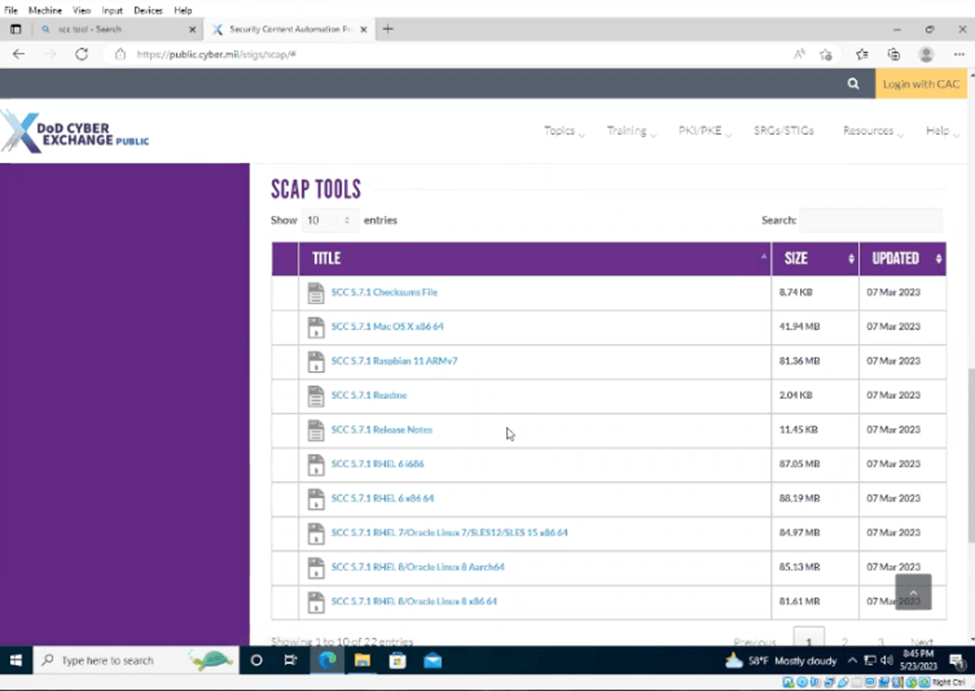
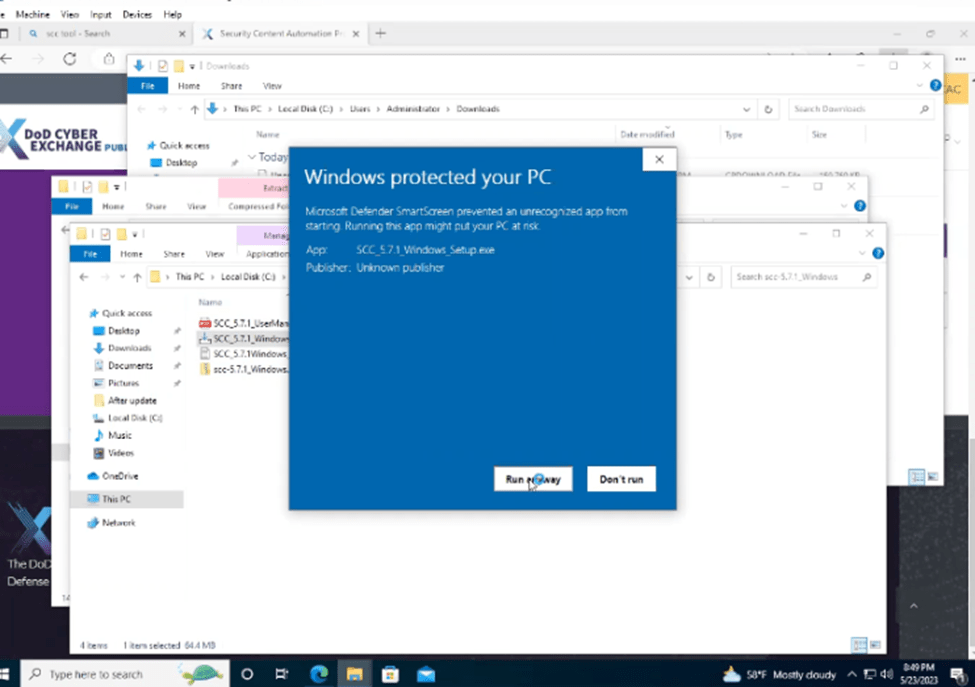
Download the SCAP tools for Windows
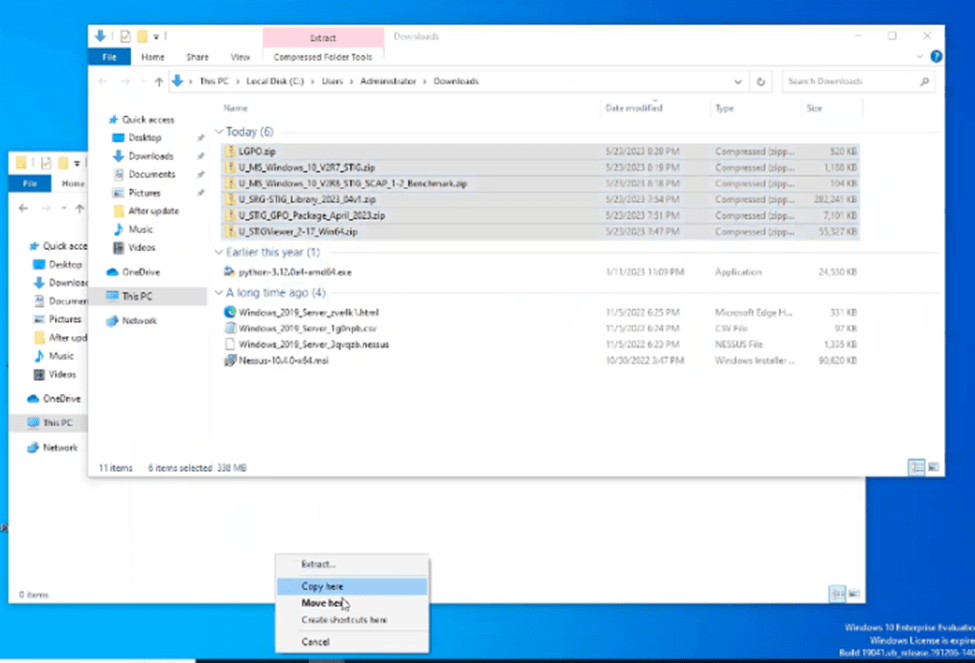
Move your tools to another folder and Extract the folders
Run the SCC tool
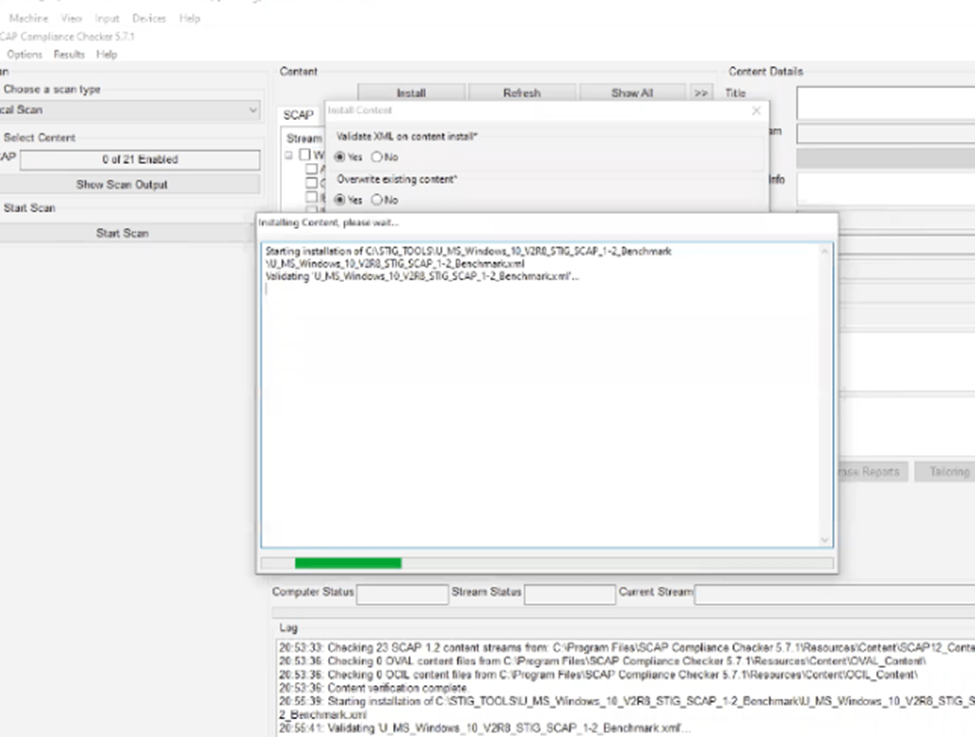
Import the SCAP Benchmark in to the SCAP tool.
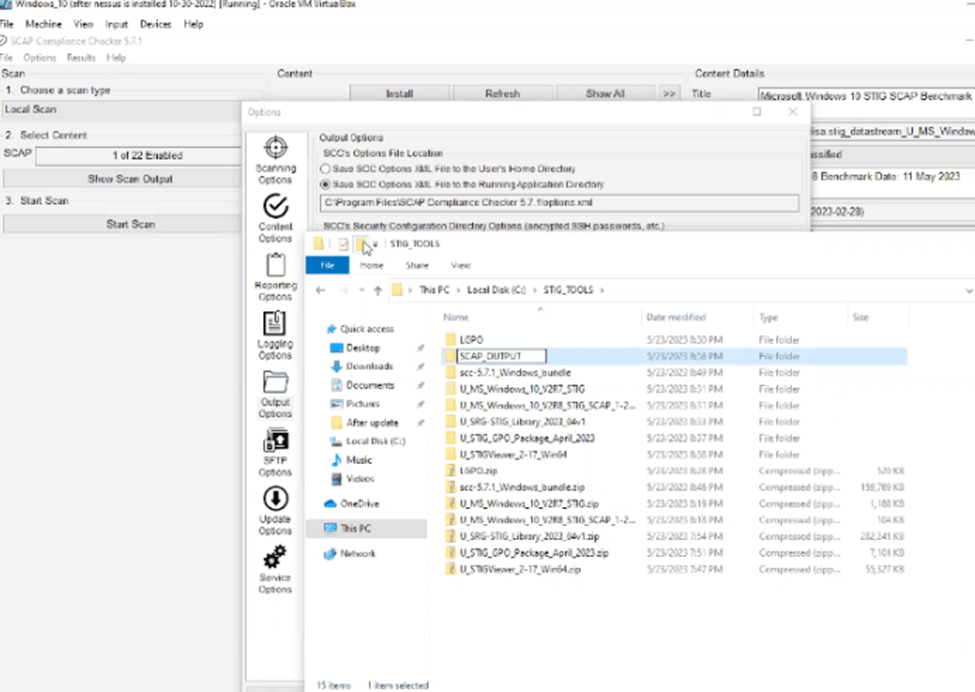
Change your SCAP outfile location.
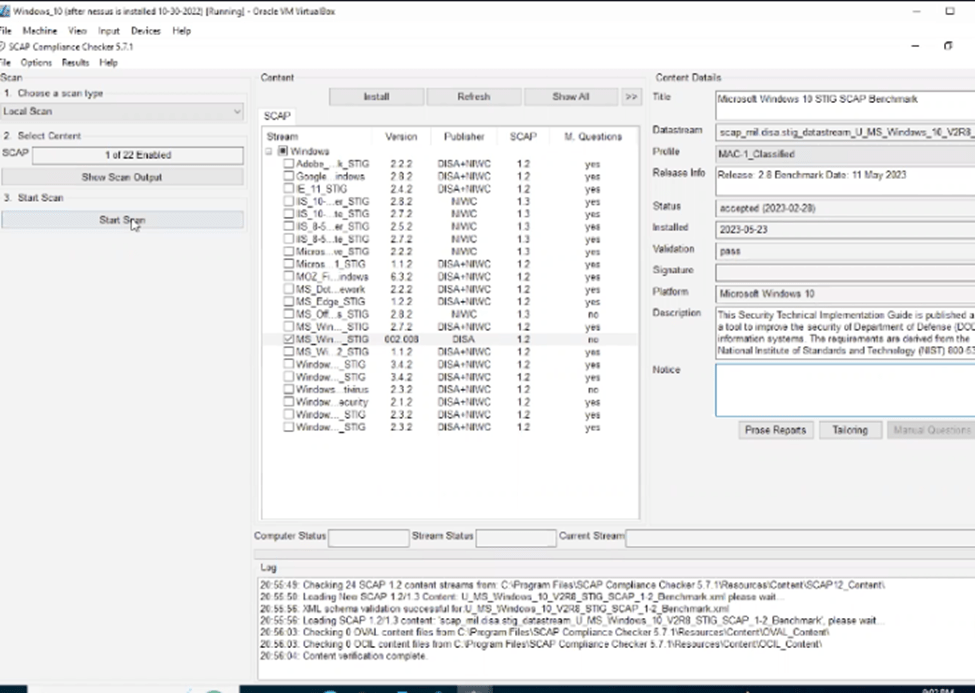
Select the Windows 10 Benchmark and run the scan
Open up the STIG viewer

Once the scan is finished view the results


View the results in the browser.
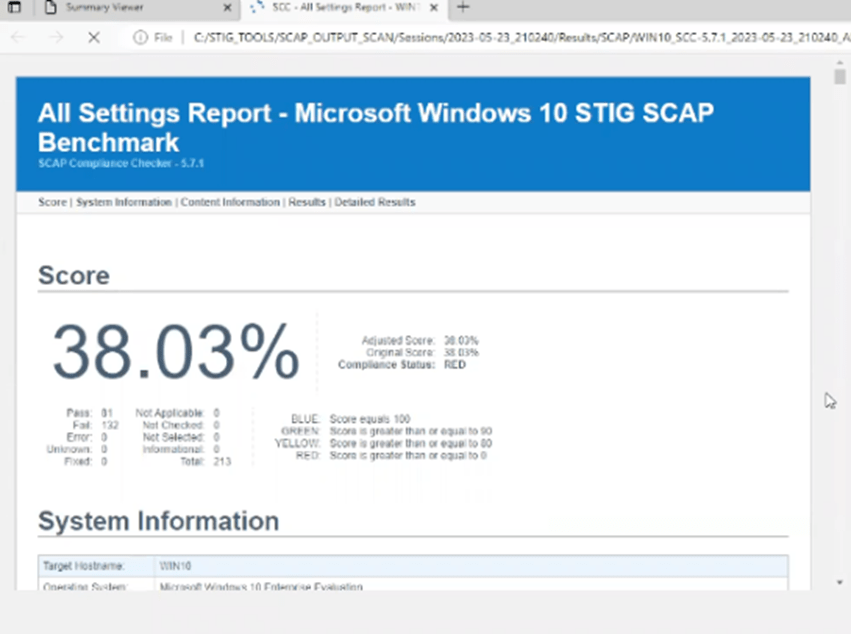
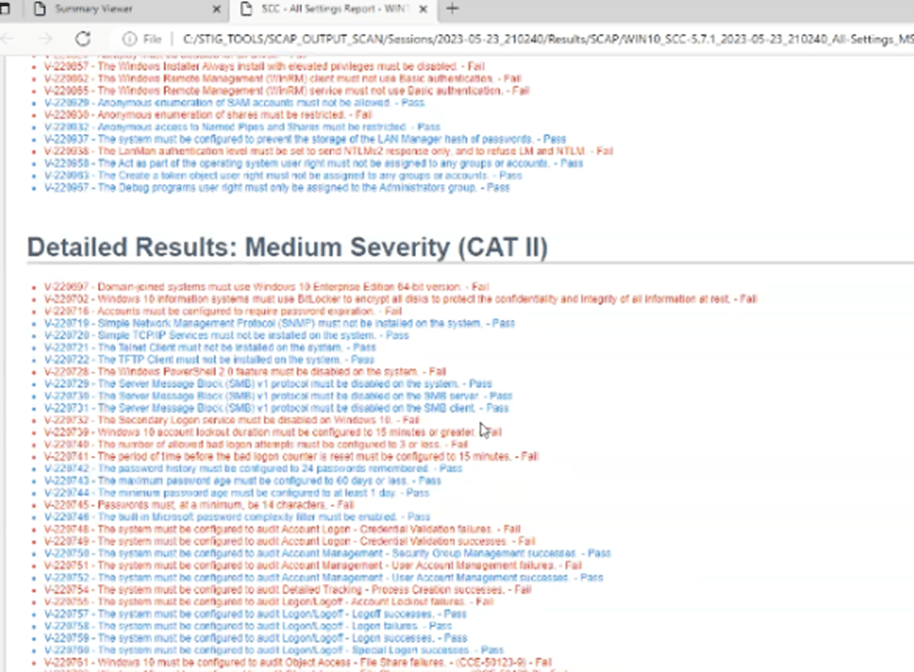
Analyze the results.
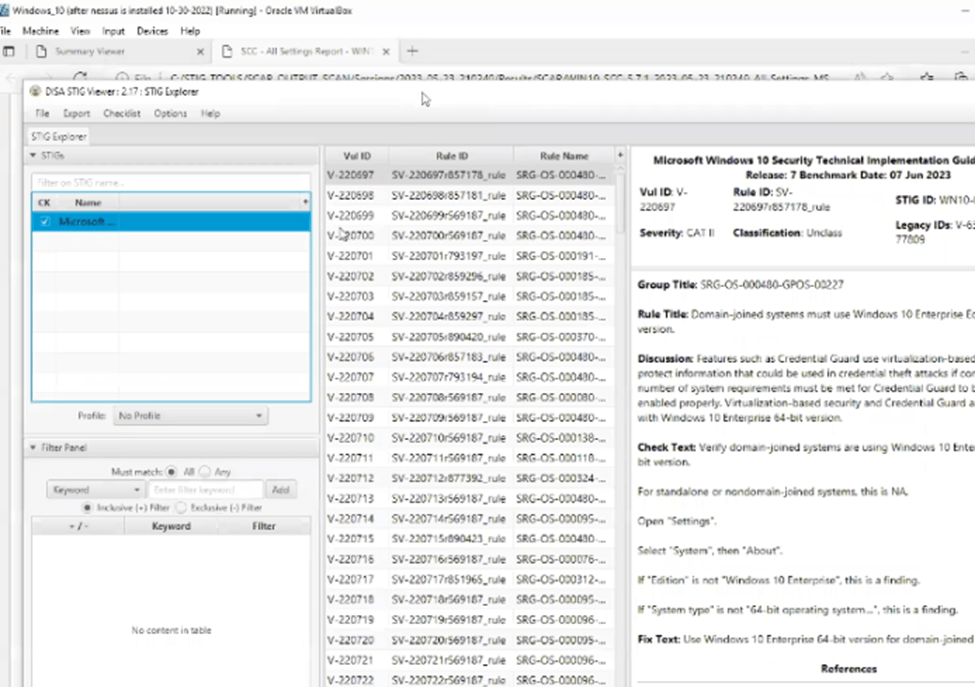
Import the STIG xccdf file for a Manual STIG into the STIG VIEWER and Create a checklist.
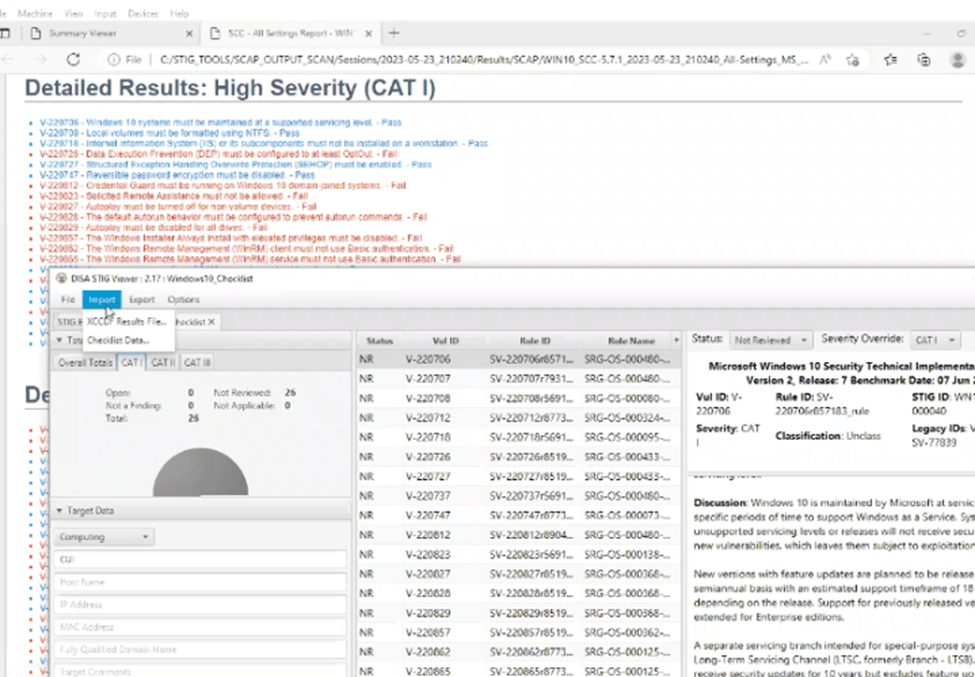
Import you SCAP XCCDF results into STIG VIEWER
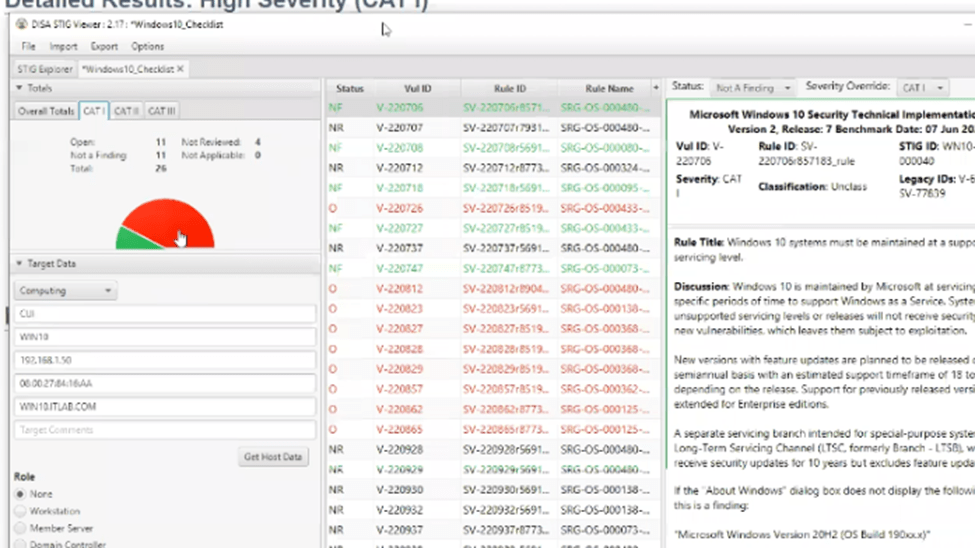
Before continuing ensure to take a snapshot of your VM.
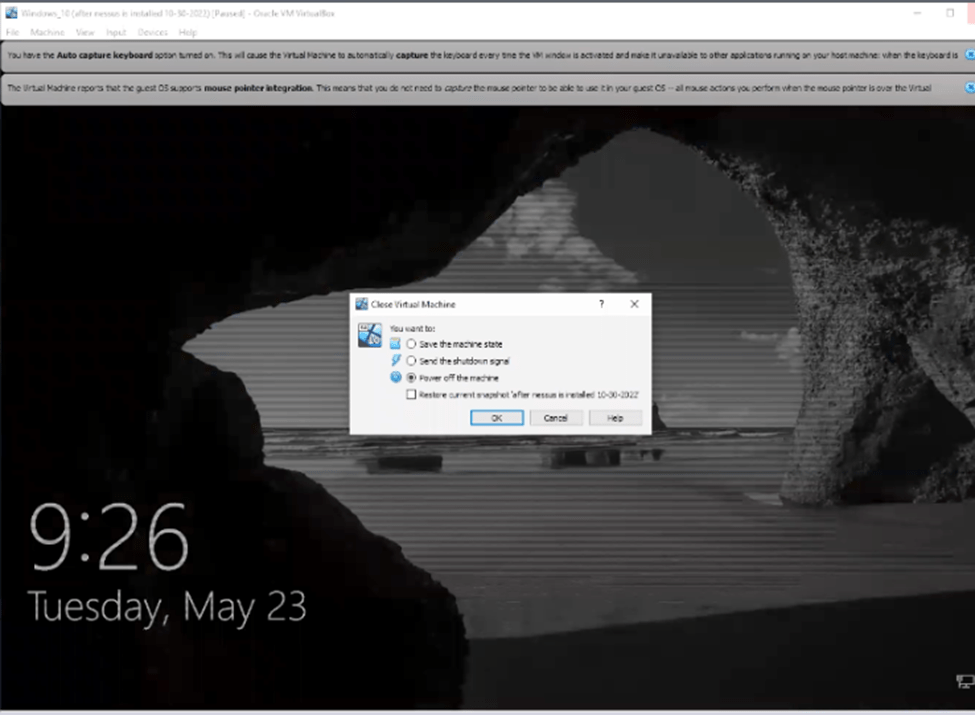
After, sign back in and open the CMD as administrator.
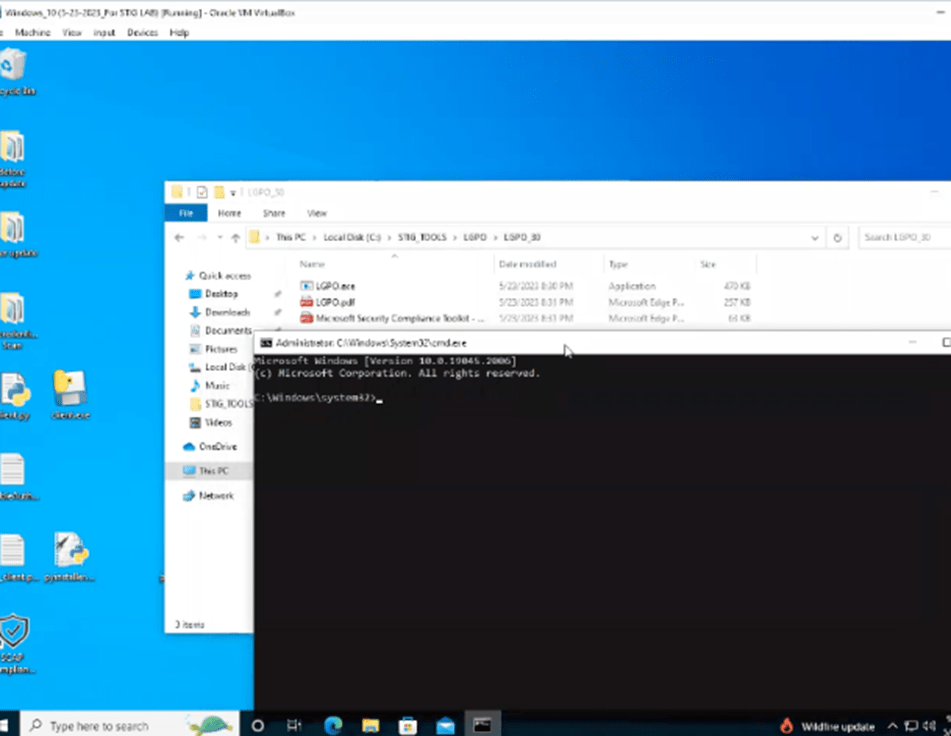
Apply the GPOs
Run another scan after

Percentage
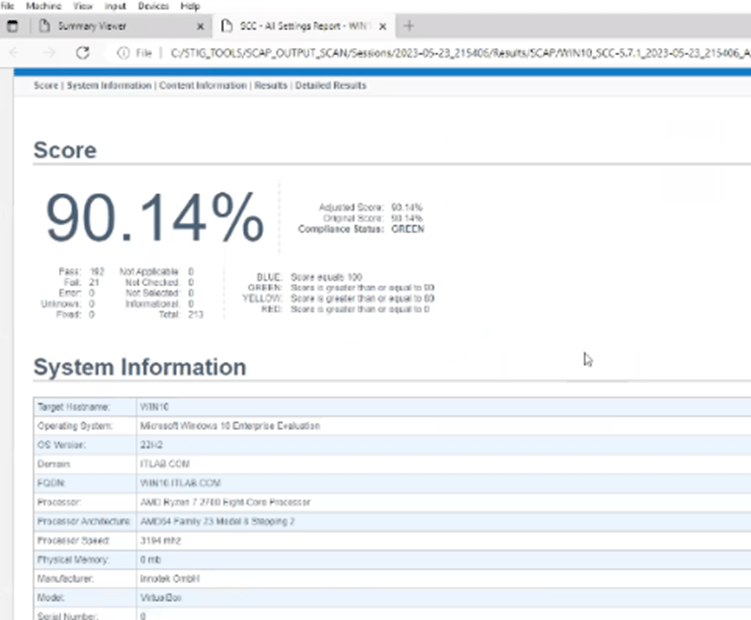
Load the results in STIG Viewer
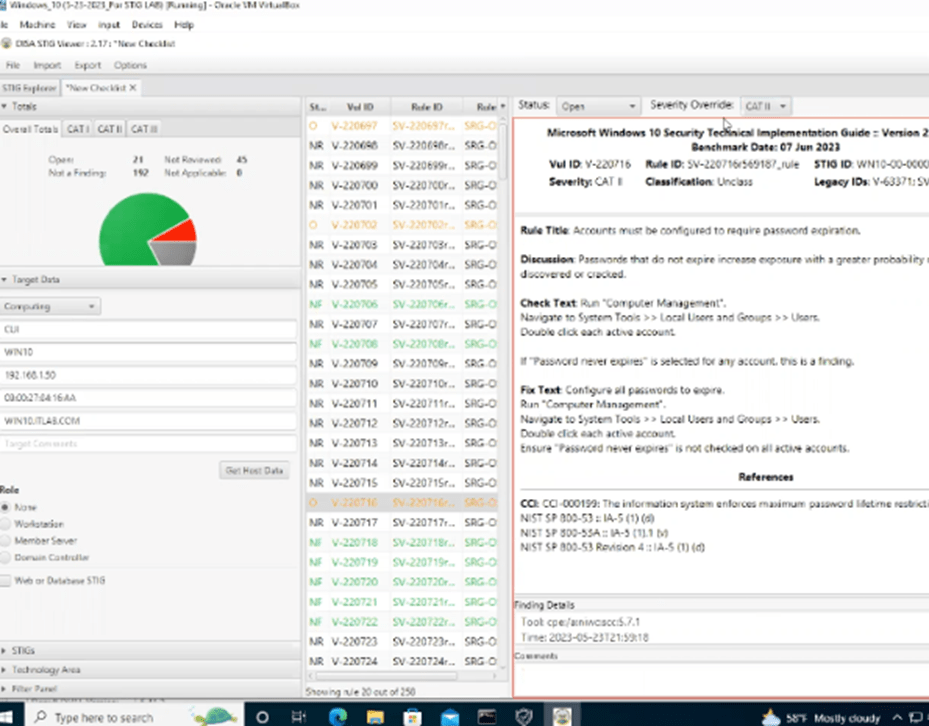
Address the CAT 1’s first as they have a direct impact on the CIA.
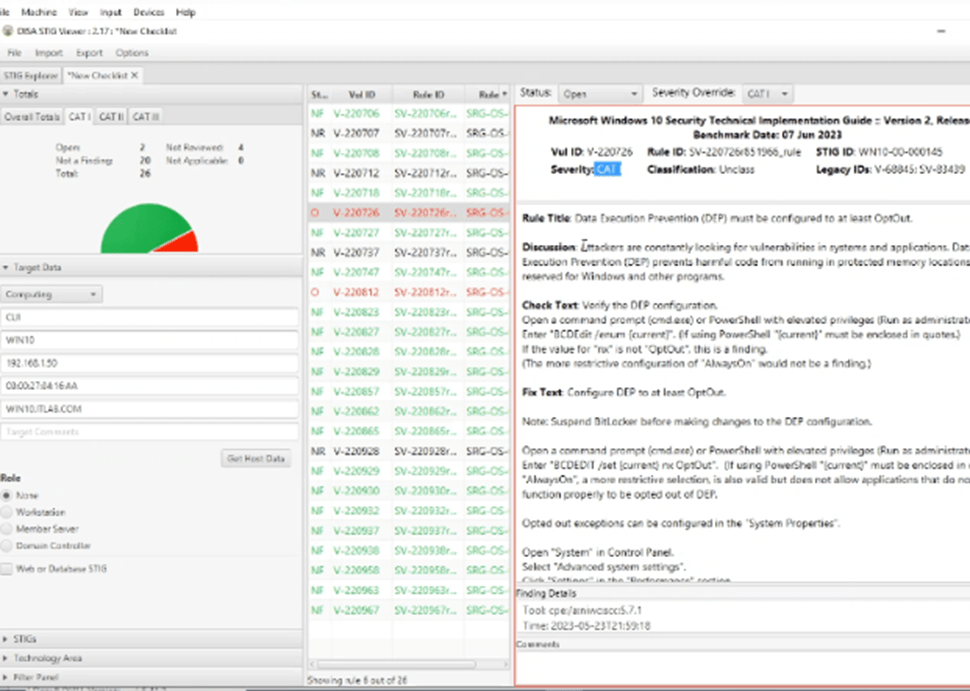
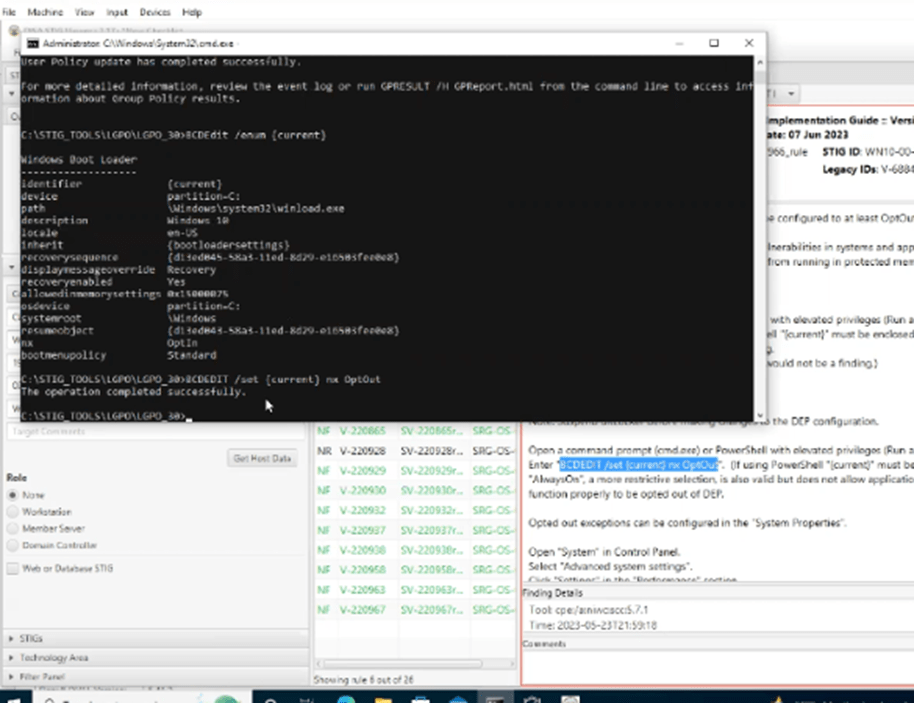
Apply and document the STIG
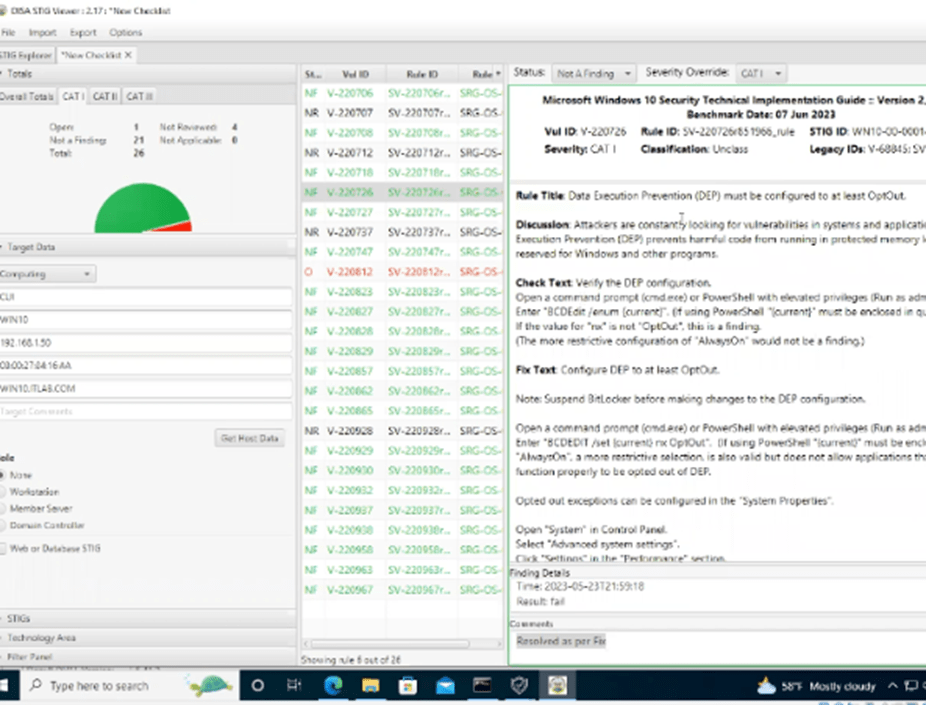
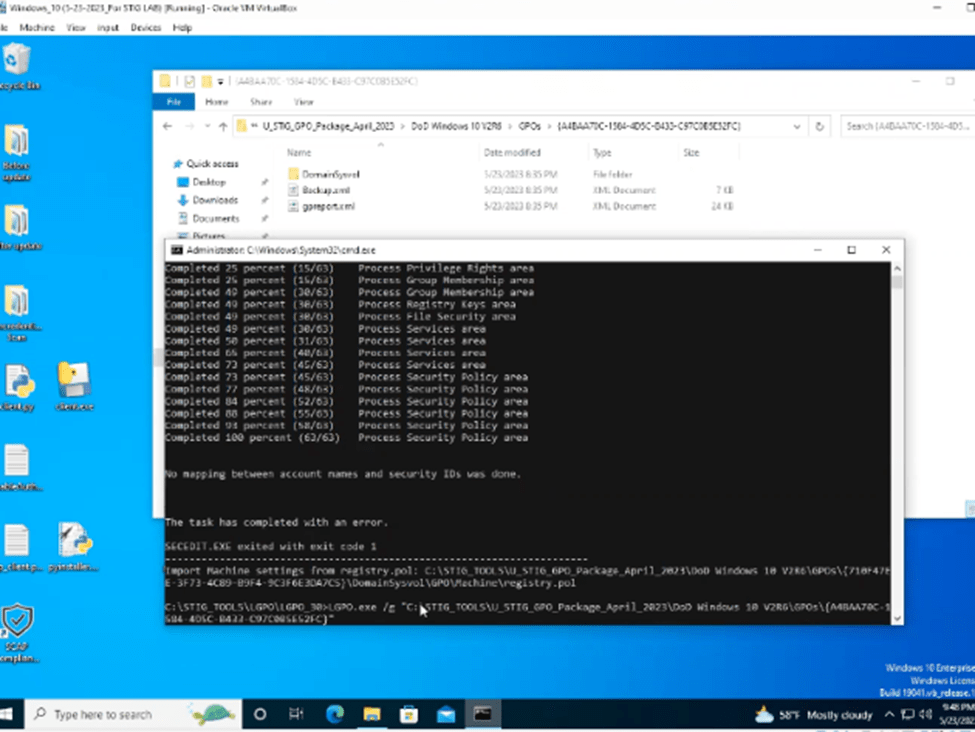
In this walk through I showed you how to STIG and SCAP a Windows 10 system.
 Cyber Security Knowledge Center
Leave a comment